
SolutionsUI/UX
Solutions Support Comment Count in Rows
Solutions now display comments counts in rows, providing better insights into categorization and prevalence of tagged items.SolutionsFeature
Solution Duplication
Solutions can now be duplicated, allowing you to quickly create copies of existing solutions as templates for new projects.Security
CSP and HSTS Headers
Implemented Content Security Policy (CSP) and HTTP Strict Transport Security (HSTS) headers to enhance application security and protect against various web vulnerabilities.SolutionsFeature
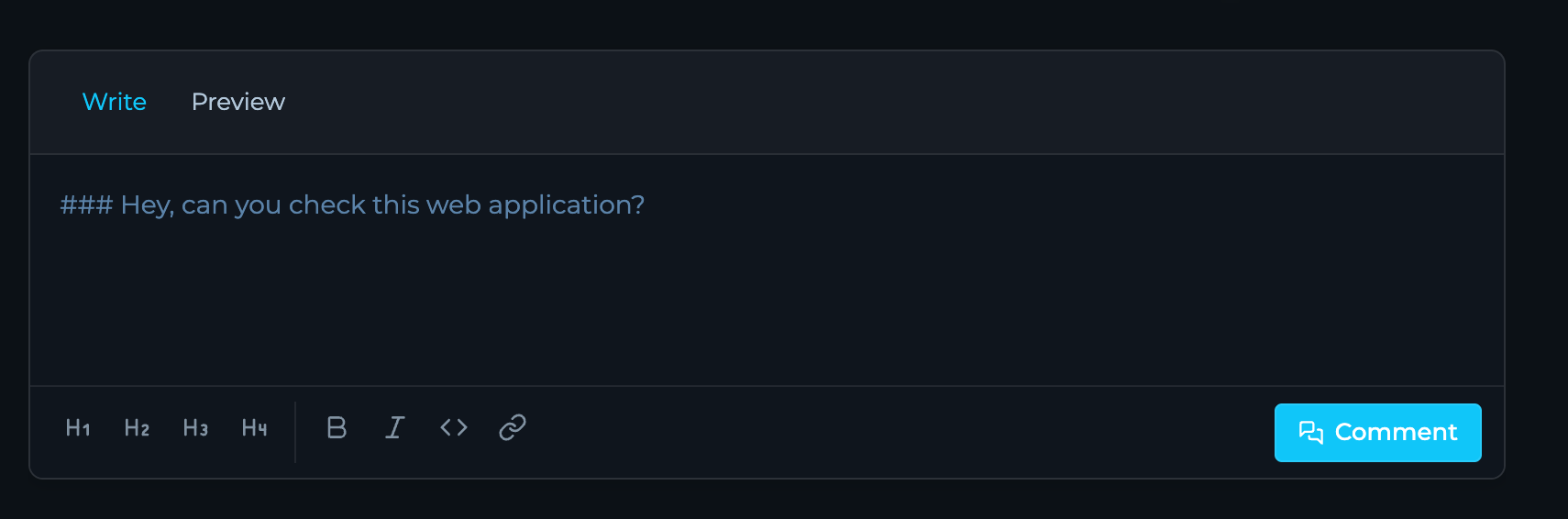
Solution Rows Support Comments
Solution rows now support comments, enabling better collaboration and discussion around specific findings or data points.SolutionsFeature
Solutions Support Tags
Solutions now support tags for improved organization, filtering, and categorization of your data.SecurityFeature
SMS Verification
Added SMS verification for community users during sign-up to enhance account security and prevent automated registrations.ModulesDocumentation
Module Readmes
Modules now include detailed README documentation, providing clear instructions, examples, and best practices for module usage.SolutionsFeature
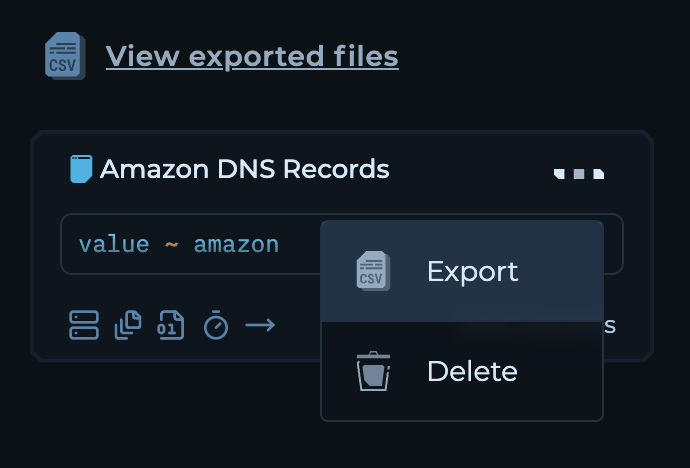
Export Solution Views in CSV
You can now export solution views in CSV format for easier data sharing and offline analysis.SolutionsFeature
Solution Row History
Solution rows now include a history tab that displays the complete change history for each row, enabling better tracking and auditing of modifications.ModulesDocumentation
Modules Onboarding and User Guides
Developed comprehensive onboarding materials and user guides for modules to facilitate easier adoption and understanding.WorkflowDocumentation
Workflow Distribution Tutorials
Released new tutorials covering workflow distribution and execution to help users maximize the platform’s capabilities.SolutionsWorkflowFeature
Integrated Workflows in Solutions
Solutions now have natively integrated workflows and additional tabs:Dashboards, Insights, Builder, and Runs for a more streamlined experience.Bug FixSolutions
Views Column Fixes
Saving new views are now also saving appropriate columns selected for the view.SolutionsFeature
Show TQL in Views
Added the ability to show TQL in views for better visibility and understanding of queries used in custom views.Bug FixUI/UX
Default Status Sorting
Default sorting for status column is now fixed to sort statuses in order:New, Resurfaced, Missing, Removed, Unchanged.EnterpriseFeature
Configurable Data Retention
Enterprise users will have custom data retention policies according to their compliance and operational needs.PerformanceFeature
Advanced Alerting for Engine Jobs
Implemented advanced alerting and monitoring mechanisms for engine jobs to improve reliability and performance tracking.Performance
Improved Folder Aggregation
Enhanced folder aggregation to improve performance and reduce latency in data processing.Bug FixPerformance
EC2 Instance Fixes
Resolved issues related to machine’s instances to enhance stability and performance.Bug FixUI/UX
Updated Icons for Custom Views
Fixed and updated icons for custom views in the right sidebar for improved visual consistency and user experience.PerformanceSecurity
Engine Services Updated to Go 1.23.x
All engine services have been upgraded to Go version 1.23.x, enhancing performance, security, and compatibility across the platform.EditorUI/UXBug Fix
Improved Editor UI
We’ve polished the editor’s user interface with minor CSS tweaks and fixed issues in the command line component for a smoother editing experience.UI/UX
New Button Styles
Updated the button styles across the platform for a refreshed look and improved user interaction.SolutionsUI/UX
Datasets as Tabs in Solutions
Navigating through datasets in solutions is now more intuitive with tabs replacing the previous dropdown menu system.SolutionsUI/UXFeature
Custom Statuses and Icons
Introduced custom statuses—new, missing, resurfaced, removed, unchanged—along with corresponding icons in solution columns for better tracking and visualization.SolutionsFeature
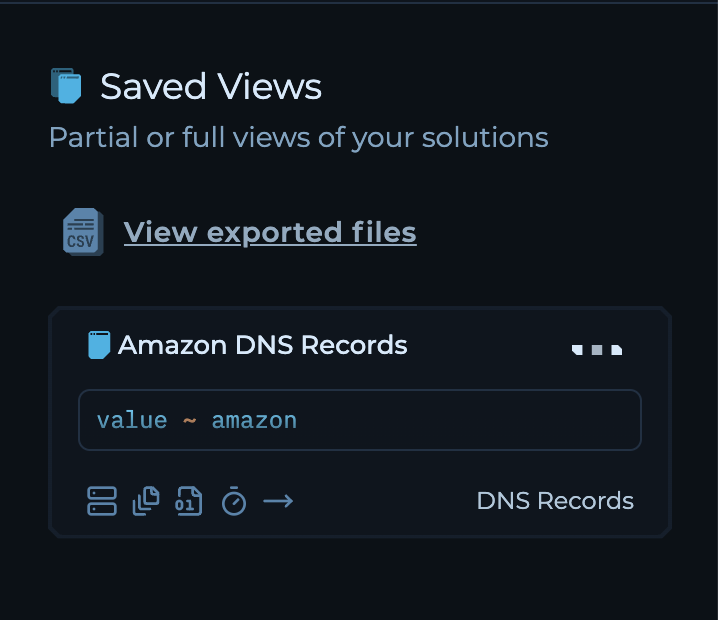
Custom Views and Saved Queries
You can now create custom views in solutions and save your preferred columns and queries for quick access and personalized data analytics.UI/UXBug Fix
Light Theme Improvements
Applied several fixes to the light theme within solutions to ensure a consistent and visually appealing experience.AnalyticsModulesWorkflow
Run and Module Insights
Gain deeper visibility into your runs and modules performance with the new Module and Run Insights available in Run Mode.FeatureUI/UX
Enhanced Query Language
The Trickest Query Language now features icons in search results and autocomplete suggestions for quicker recognition and selection.DocumentationEditor
Documentation Enhancements
The Trickest editor is now embeddable within our documentation, enabling interactive examples and hands-on learning. Explore the latest tutorials at https://trickest.com/docs/introduction.Bug FixWorkflow
Bug Fix: Splitter Jobs
Resolved an issue where splitter jobs were using incorrect inputs when their parent job was lifted, ensuring accurate data processing.FeatureSecurity
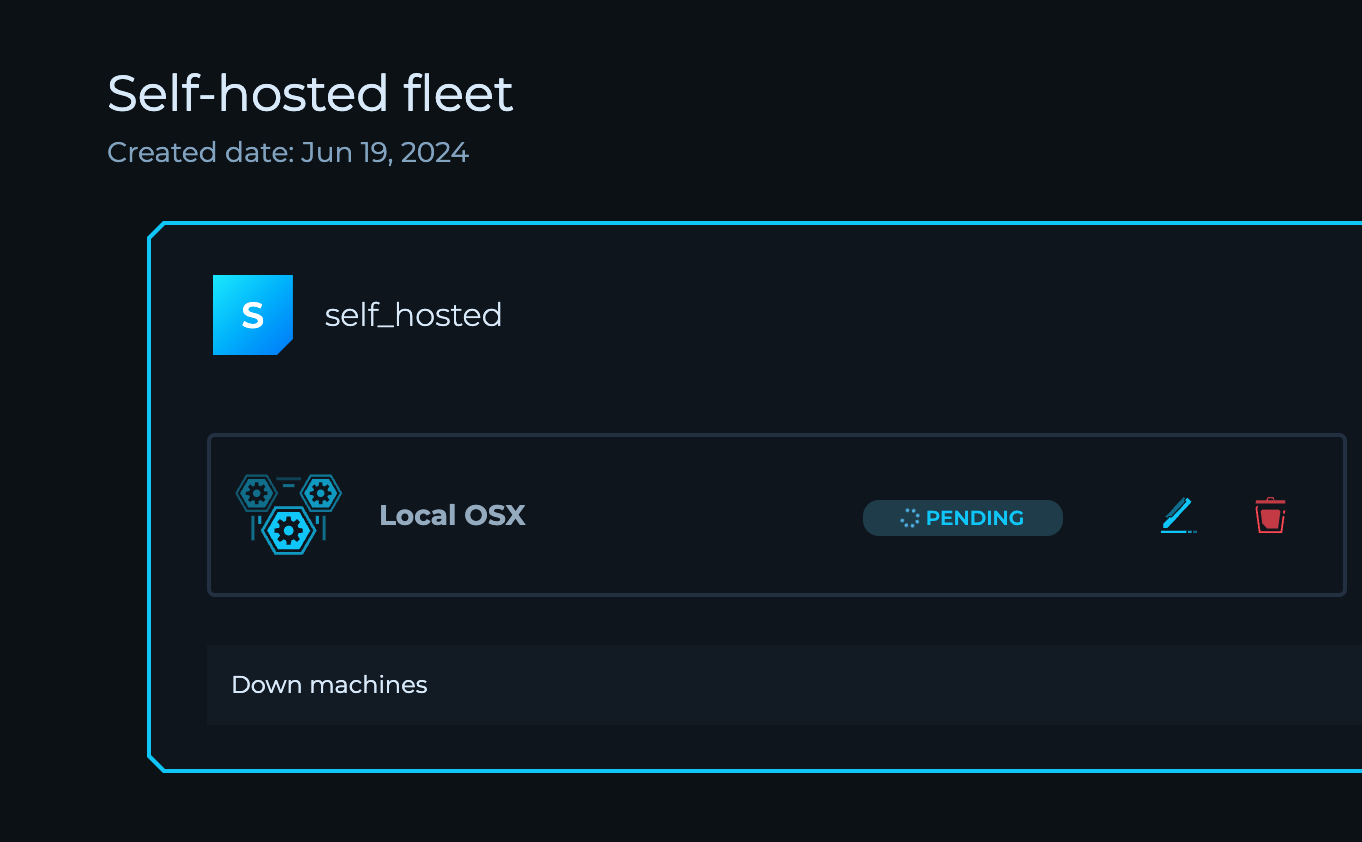
Private Agents
Deploy agents to scan environments internally on any device, even behind VPNs and office networks. Integrate into existing workflows to enable continuous monitoring and vulnerability scanning of both internal and external infrastructure.ModulesFeature
Modules
Automated security processes with structured inputs/outputs, built-in scalability, and automatic tool updates. Minimizes disruptions from manual tool management and ensures consistent results across workflows.FeatureSecurityWorkflow
Private Tooling for Custom Workflows
Securely integrate proprietary tools within the platform. Managed and executed in a secure environment by connecting a Private Docker Registry.WorkflowFeature
Advanced Variables for Dynamic Workflows
Add variables to workflows for dynamic inputs and outputs. Scope variables globally or to specific projects for enhanced workflow customization flexibility.FeatureInfrastructure
Self-Hosted Machines
Connect and execute workflows via self-hosted machines with public IP addresses for more control over the execution environment.FeatureCLI
Private Script Library
Create and manage a centralized library of Bash or Python script templates that can be reused across workflows.EditorUI/UX
New Editor Design
Experience a revamped interface with the new editor design, currently accessible via a feature flag.SolutionsFeature
Clear Dataset Functionality
Manage your data with the ability to clear all data from Solution Datasets.UI/UXBug Fix
User Interface Improvements
- Added pagination support in the Right Sidebar for Splitter Nodes in Run Mode
- Enhanced user experience with various UI fixes for Node Inputs
SecurityEnterprise